
New: mind maps + flashcards

Study with pictures you'll
actually remember.

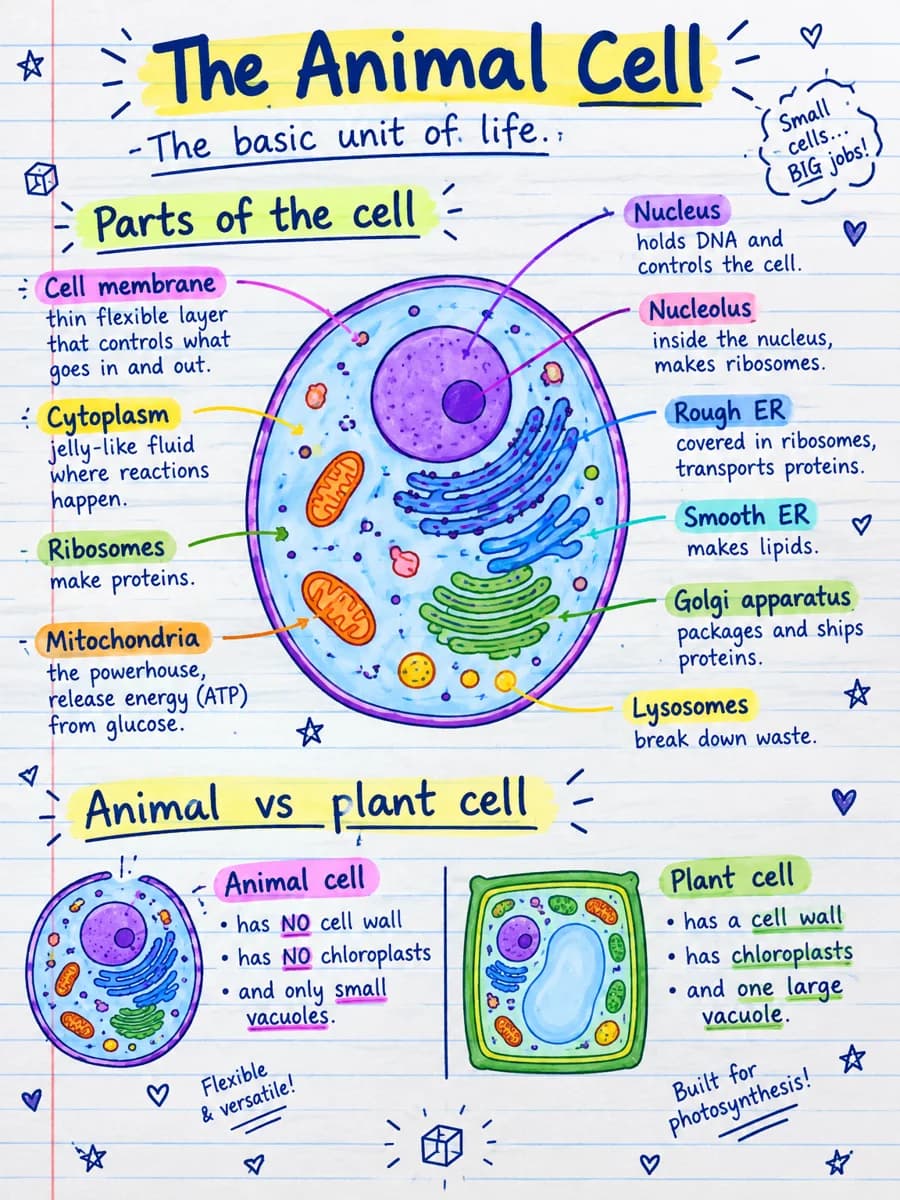
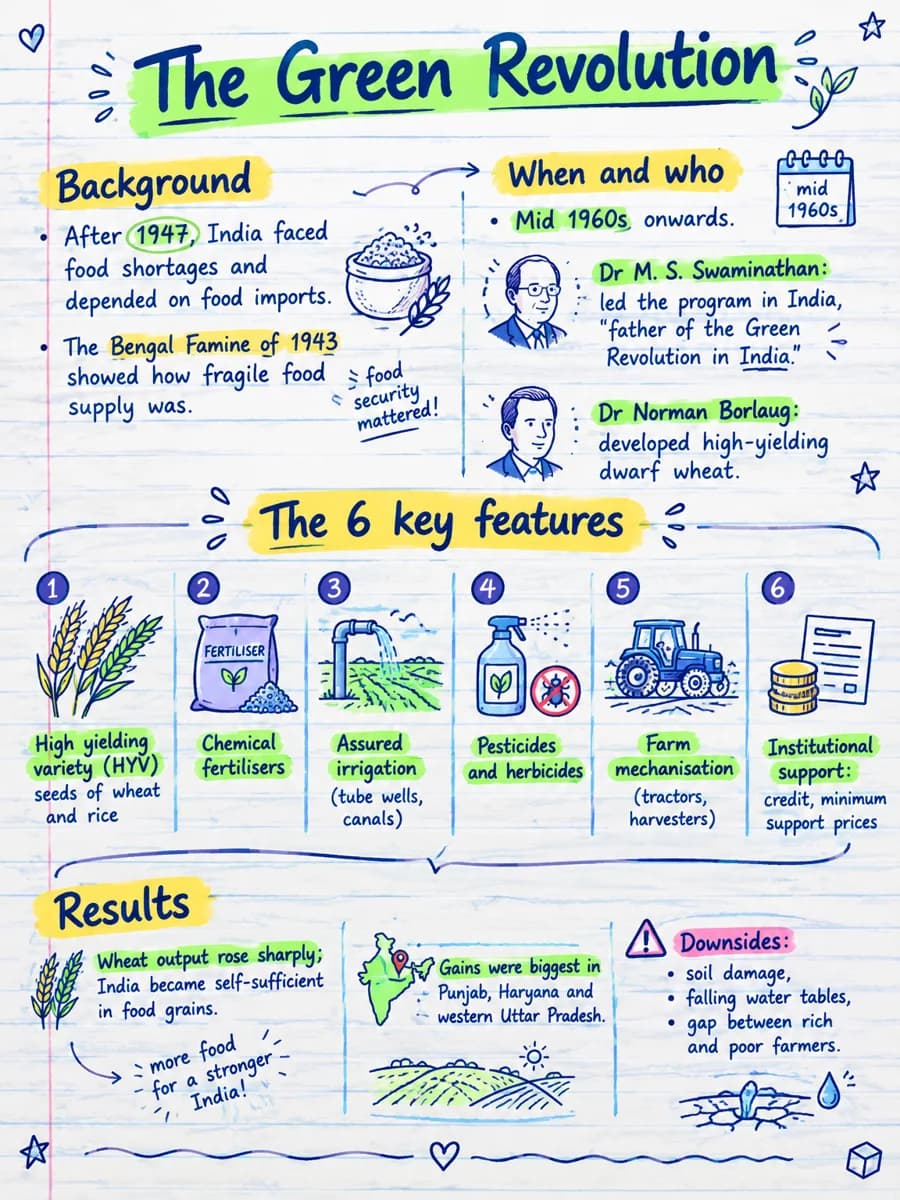
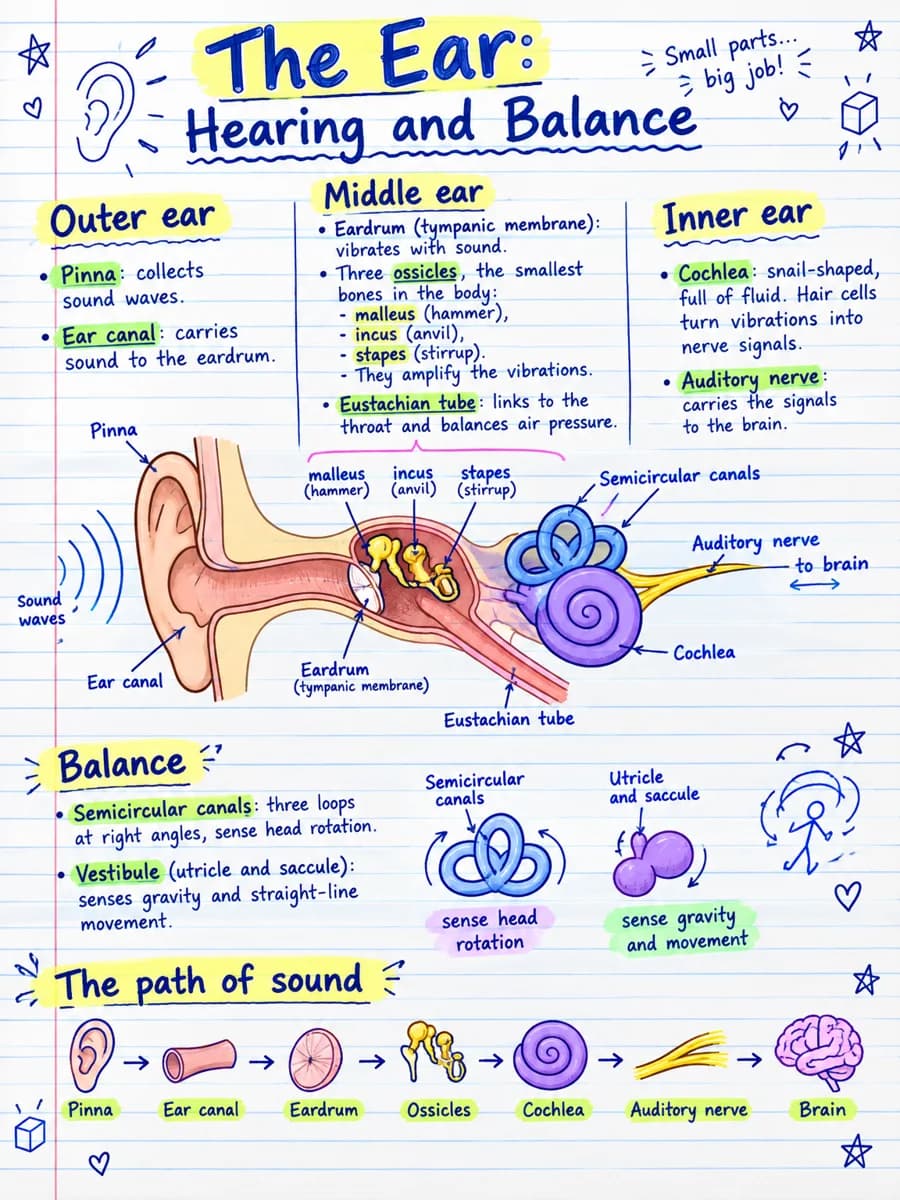
Paste a chapter, drop a PDF or a YouTube link. VisualNote turns it into a sketchnote, mind map or flashcard deck in 30 seconds.

No credit card. Free visuals, flashcards and mind maps to start.

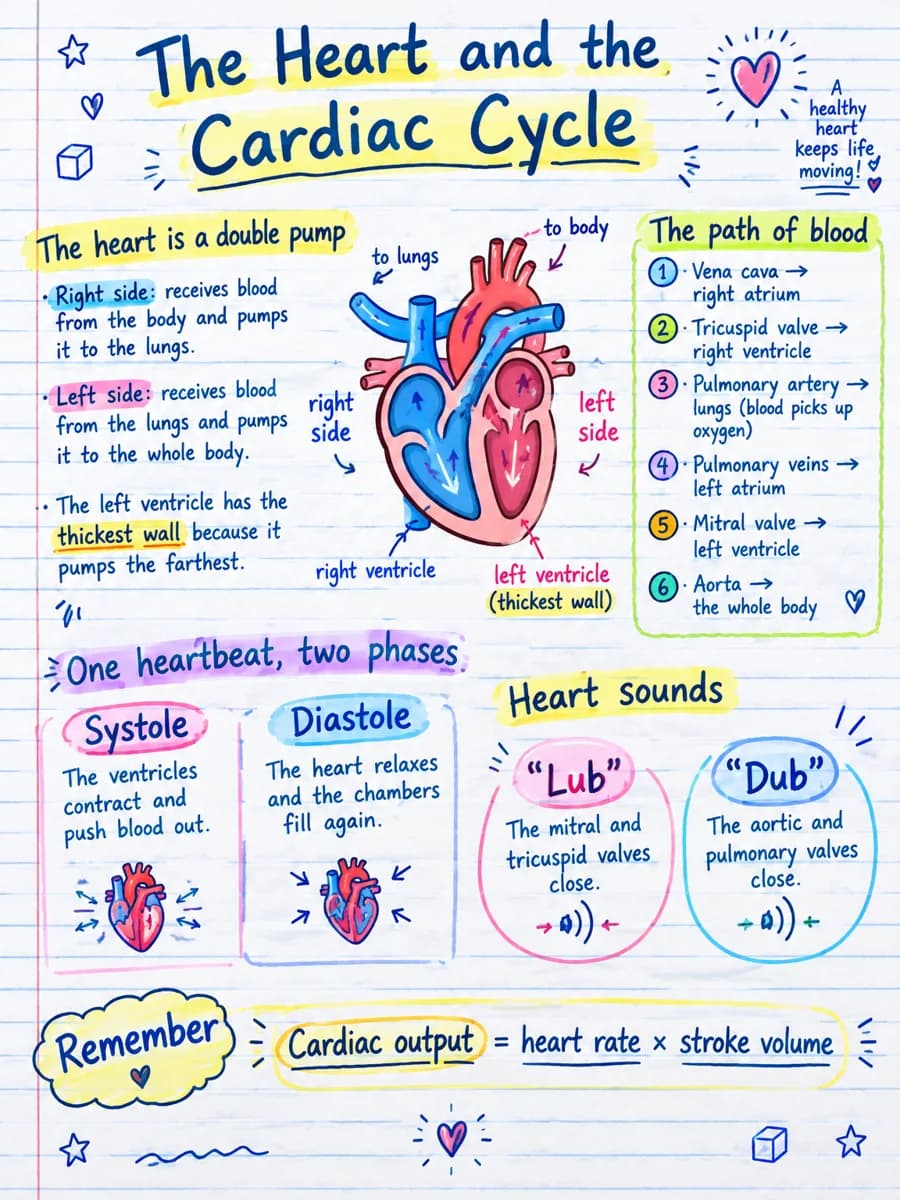
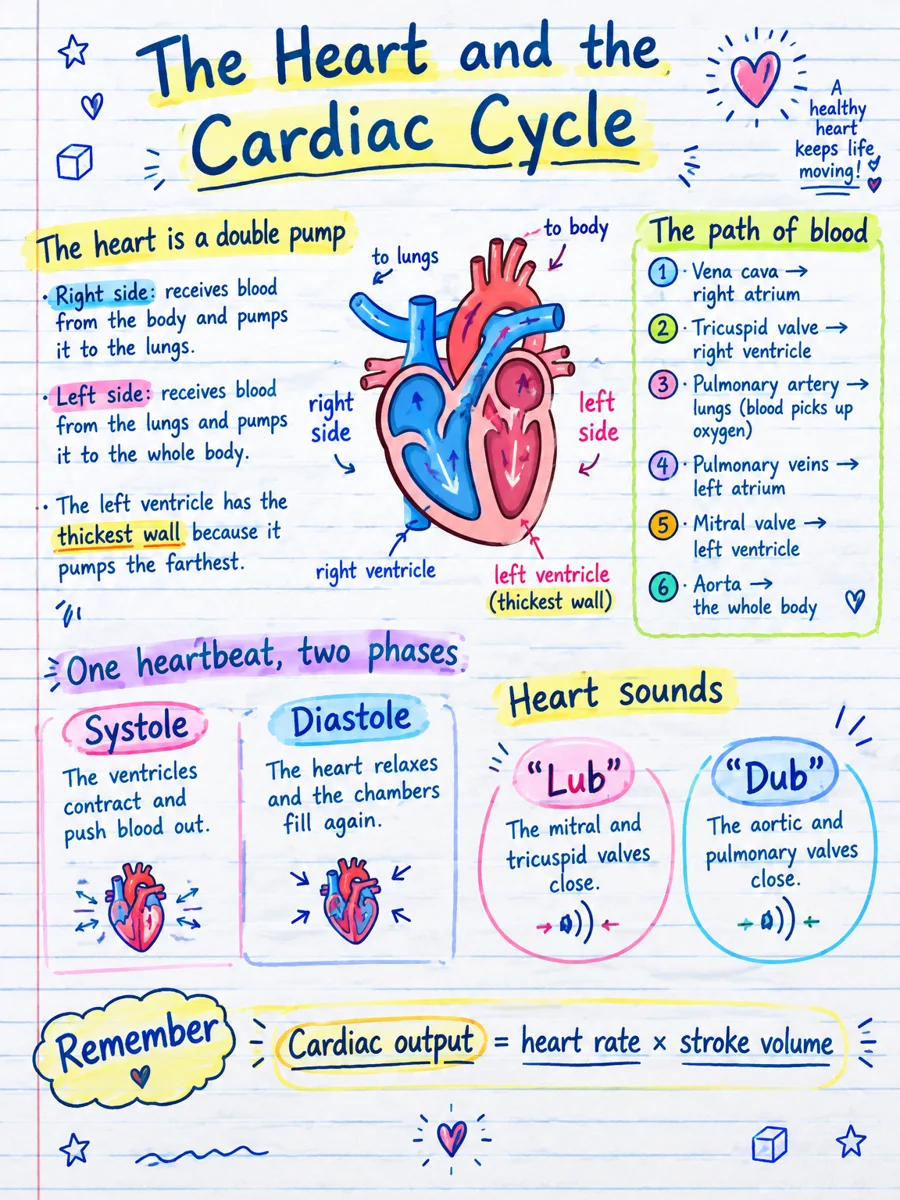
Cardiology notes turned into a hand drawn sketchnote of the heart, its four chambers, the four valves and the cardiac cycle
A car engine chapter turned into a blueprint style visual
Flashcards ready · 24 cards Generated in 28s Mind map · 12 branches
New · Flashcards

Understand it with a visual. Remember it with flashcards.

A summary shows you the shape of a topic. A deck makes you retrieve it. Every visual you generate can become a set of up to 30 question-and-answer cards, drawn from the same notes, PDF, or chapter you started with.

Test yourself

Tap the card to flip it. This is the same practice view you get inside the app.

1 / 3

What you can do with a deck

  • Practice it here. Flip through the deck card by card, question first, answer second.
  • Add more cards. If the deck missed something, generate more from the same source without repeating what you already have.
  • Start over. Regenerate the whole deck if you want a different angle on the material.

Four ways to take it with you

  • CSV for Anki, Excel, or Google Sheets.
  • PDF through the print dialog, for a paper handout.
  • Plain text to paste anywhere.
  • An interactive page that works offline, with no login and nothing to install.
New · Mind maps

See how it all connects.

The same notes that become your visual and your deck also become a mind map: the main topic at the center, the themes branching out, the details on the edges. Every node is editable, and the map exports as a PNG.

Explore a real map

Generated by VisualNote AI from plain text, shown in the circular layout. Drag to pan, scroll to zoom.

What you can do with a map

  • Pick the shape. Left-to-right, top-down, or the circular layout shown here, one click apart.
  • Edit every node. Rename, add, or prune branches; the map relays out by itself.
  • Export as PNG. Print it, drop it into slides, or stick it above your desk.

When a map beats a list

  • Relationship-heavy topics. History causes, biology systems, grammar families.
  • Revision at a glance. Cover a branch and recall what hangs from it.
  • Planning. Essays, projects, and presentations start as branches.
New · YouTube summaries

Turn a YouTube video into a visual note.

Paste any YouTube link (a lecture, tutorial, or talk) and VisualNote AI summarizes the whole video into one shareable sketchnote, mind map, or infographic you can actually study from.

▶ The video
✦ The visual note
Visual note summarizing a YouTube video about chlorophyll as a sketchnote mind map
What's new

Long source? Split it into a set of visuals.

Too long for one image? New multi-part summaries break a PDF, article, or chapter into connected sections: each one becomes its own sketchnote, read in order.

The Split control: pick how many parts to divide your content into
1 Pick how many parts, 2 to 10.
The AI splits the source into clean, formatted sections you can edit
2 The AI splits & formats the text: edit before you generate.
Each section becomes its own sketchnote, with download and copy actions
3 Each part becomes its own visual: download all.
1,328
creators on board
3,000+
visuals shipped
40+
sketchnote styles
~13s
average generate time
Three steps. No design skills.

From boring text to a visual
your brain actually keeps.

1
paste / upload

Drop in your content

Paste a chapter, upload a PDF, or dump your meeting notes. We accept up to 10MB: .pdf, .docx, plain text.

2
pick a style

Choose your vibe

40+ styles, from clean infographic to scrappy notebook scribble. Whatever fits your class, post, or pitch.

3
generate + share

Download or post

PNG, high-res, instantly. Drop it into Notion, Anki, slides, or post it to X: saved 3× more often.

Two new ways to start

Now: your style, any link.

Train the sketchnote on a reference image you already love, or skip the copy-paste and turn any article URL into a one-page visual.

🎨 Upload your style

Make every visual look like yours

Drop in a sketch, a slide, or a screenshot of a visual you love. The AI uses it as a style reference: same color palette, same line work, same layout language. The text and content come from your notes; only the look comes from your reference.

  • Mirror your brand or notebook aesthetic across every visual
  • No prompt engineering: the image does the work
  • Works with hand-drawn references, designer mockups, or screenshots
🔗 Summarize any link

Paste a URL → get a sketchnote

Skip the copy-paste from blogs, news articles, research write-ups, or Substack posts. Drop the URL in, we fetch the page, extract the structure, and hand it straight to the visual generator. One click, one sketchnote, no tab juggling.

  • Works on articles, blog posts, knowledge-base pages, and docs
  • Bullet-point summary lands in the editor: edit before you generate
  • Unlimited on Plus · 3 free summaries on the Notebook plan
Built for people who hate reading walls of text

Who's using VisualNote?

Students, teachers, marketers, researchers and more: see how each team uses it on the use cases page.

🎓 For Students

Cram a chapter in half the time.

Skip the highlighters and 3am rewrites. Drop your textbook PDF and get a one-page visual you can scan before the exam.

  • Turn 40 pages into one shareable PNG
  • Works on lecture slides, PDFs, and raw notes
  • Send the visual to your group chat: instantly the favorite
  • Student plan: 50% off with a .edu email
Try with your notes →
Real PDF → real visual

See an actual textbook page become a one-pager.

Upload a PDF, Word doc, or text file up to 10MB. We extract the key concepts and render them in your chosen style.

Before: PDF document

Upload any PDF, Word document, or text file.

After: visual one-pager

PDF document converted to a sketchnote-style visual infographic by VisualNote AI

Beautiful, sharable visual notes generated in under 15 seconds.

Forty looks. One click each.

Pick the style. We'll match the vibe.

From hand-drawn napkin scribbles to clean dashboard infographics. Free users get 5 styles: Plus unlocks everything.

Explore styles

From sketchnotes to dashboards: pick a look that fits your content and audience. Hover to pause and browse.

Now on iOS

We have also an iOS app with the screens

Prefer creating visuals on mobile? Download the official VisualNote AI iOS app to turn text into art, transform notes into sketchnotes, and generate infographic-style visuals you can share instantly.

VisualNote AI iOS app screenshot 1
VisualNote AI iOS app screenshot 2
VisualNote AI iOS app screenshot 3
VisualNote AI iOS app screenshot 4
VisualNote AI iOS app screenshot 5
The honest comparison

Why not just use Canva, ChatGPT, or your own notes?

We put it head-to-head with the popular tools: read the full comparisons and alternatives.

😩 The old way

Doing it yourself

  • 2 hours fighting Canva text boxes
  • ChatGPT gives you a wall of text, not a visual
  • Hand-drawing means you need to be an artist
  • Inconsistent style across visuals
  • Flashcards typed out by hand, one card at a time
  • You give up and re-read the PDF
✦ With VisualNote

The visual way

  • 15 seconds. Paste → generate → download.
  • A real visual layout, not a text dump
  • 40+ polished styles: looks designed
  • Consistent: your whole semester matches
  • Flashcards from your notes, ready for Anki
  • $13.99/mo ≈ $0.20 per visual. Less than a coffee.
What early users say

From the first 1,328.

★★★★★
“Honestly the only reason I passed my anatomy final. I turned 6 chapters into 6 visuals and just stared at them for two days.”
M
Maya R.
Pre-med · Year 2
★★★★★
“My 7th graders ask for the ‘VisualNote version’ of every lesson now. Genuinely changed how I prep.”
J
Jordan P.
Middle school science · TX
★★★★★
“Posted a sketchnote of my product launch checklist. 8k saves, 200 sign-ups. Best $10 I've ever spent.”
S
Sam L.
Indie founder · X 14k
💎 Plus plan

One coffee a month.
70+ visuals.

For students cramming, teachers prepping, and creators posting weekly. Everything unlocked.

$13.99/mo
70 text-to-visuals / month= $0.15 each
20 PDF conversions / month
All styles + qualities
Common questions

Stuff people ask before paying.

From the same source as your visual. Once a PDF, note, or pasted text has been turned into a visual summary, VisualNote AI can generate a deck of up to 30 question-and-answer cards from it. Practice them in the app, add more cards, or download the deck as a PDF, a CSV for Anki and Sheets, a text file, or a page that works offline.
Yes: free gives you text-to-visual generations plus access to 5 styles. Enough to test the quality on your real content before paying anything.
Yes: up to 10MB, including scanned PDFs (we OCR them). Best results with chapters under 30 pages. For longer documents, generate per-chapter for sharper visuals.
Absolutely. Plus and Educator plans include a commercial-use license for teaching materials, handouts, and slides. School-wide licenses available on request.
Paste your written notes (lecture notes, study bullet points, or any structured text) and pick a visual style. VisualNote AI identifies the structure, headings, and key points, then renders them as a clean visual one-pager you can download and share.
PDF, Microsoft Word (.doc, .docx), and plain text up to 10MB per upload: enough for most chapters, papers, and decks. Files are processed securely and aren't stored permanently after generation.
Yes. One click, no email gymnastics. Cancel from your dashboard and you keep access until the end of the billing period.
Free generations · no card

Your next exam, lesson, or post.
In a single visual.

Stop re-reading. Start seeing. Make your first sketchnote in under 15 seconds.

Create my first visual →
No credit card · Free generations · cancel anytime